Loading... 这里讲的是校园网的网页认证的自动登录 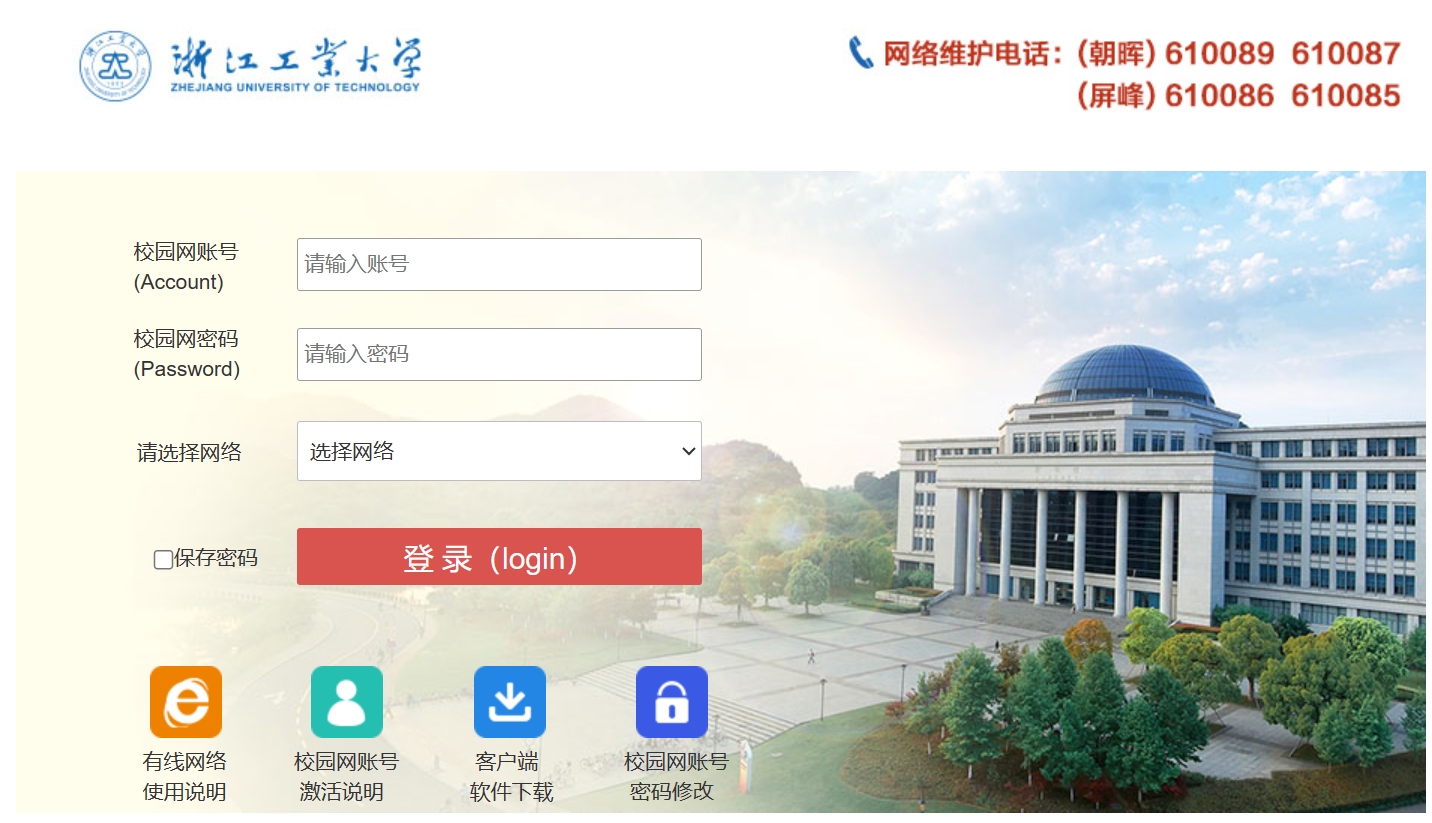 之前一直用的selenium登录,其实发个post请求就好了 我的自动登录powershell脚本长这样,学号和密码换成自己的学号和密码 ``` $IPAddress = "223.5.5.5" $RouteAddress = "192.168.1.1" while (1 -eq 1) { while (!(Test-Connection -ComputerName $RouteAddress -Count 1 -Quiet)) { Write-Host "Ping不通 $RouteAddress,等待10秒后继续尝试..." Start-Sleep -Seconds 10 } Write-Host "Ping通 $RouteAddress,检查网络" if (!(Test-Connection -ComputerName $IPAddress -Count 1 -Quiet)) { Write-Host "Ping不通 $IPAddress,检查时间" $currentTime = Get-Date $targetTime = Get-Date -Hour 6 -Minute 0 -Second 0 if ($currentTime -ge $targetTime) { Write-Host "当前时间在6点之后,执行登录" $session = New-Object Microsoft.PowerShell.Commands.WebRequestSession $session.UserAgent = "Mozilla/5.0 (Windows NT 10.0; Win64; x64) AppleWebKit/537.36 (KHTML, like Gecko) Chrome/120.0.0.0 Safari/537.36 Edg/120.0.0.0" Invoke-WebRequest -UseBasicParsing -Uri "http://192.168.210.111:801/eportal/?c=ACSetting&a=Login&protocol=http:&hostname=192.168.210.111&iTermType=1&mac=000000000000&enAdvert=0&queryACIP=0&loginMethod=1" ` -Method "POST" ` -WebSession $session ` -Headers @{ "Accept" = "text/html,application/xhtml+xml,application/xml;q=0.9,image/webp,image/apng,*/*;q=0.8,application/signed-exchange;v=b3;q=0.7" "Accept-Encoding" = "gzip, deflate" "Accept-Language" = "zh-CN,zh;q=0.9,en;q=0.8,en-GB;q=0.7,en-US;q=0.6" "Cache-Control" = "max-age=0" "DNT" = "1" "Origin" = "http://192.168.210.111" "Referer" = "http://192.168.210.111/" "Upgrade-Insecure-Requests" = "1" } ` -ContentType "application/x-www-form-urlencoded" ` -Body "DDDDD=%2C0%2C学号%40cmccpfyx&upass=密码&R1=0&R2=0&R6=0¶=00&0MKKey=123456&buttonClicked=&redirect_url=&err_flag=&username=&password=&user=&cmd=&Login=" } else { Write-Host "当前时间在6点之前,不登录" Start-Sleep -Seconds 600 } } else { Write-Host "网络正常" Start-Sleep -Seconds 600 } Start-Sleep -Seconds 10 } ``` 最后修改:2024 年 01 月 06 日 © 允许规范转载 赞 如果觉得我的文章对你有用,请随意赞赏